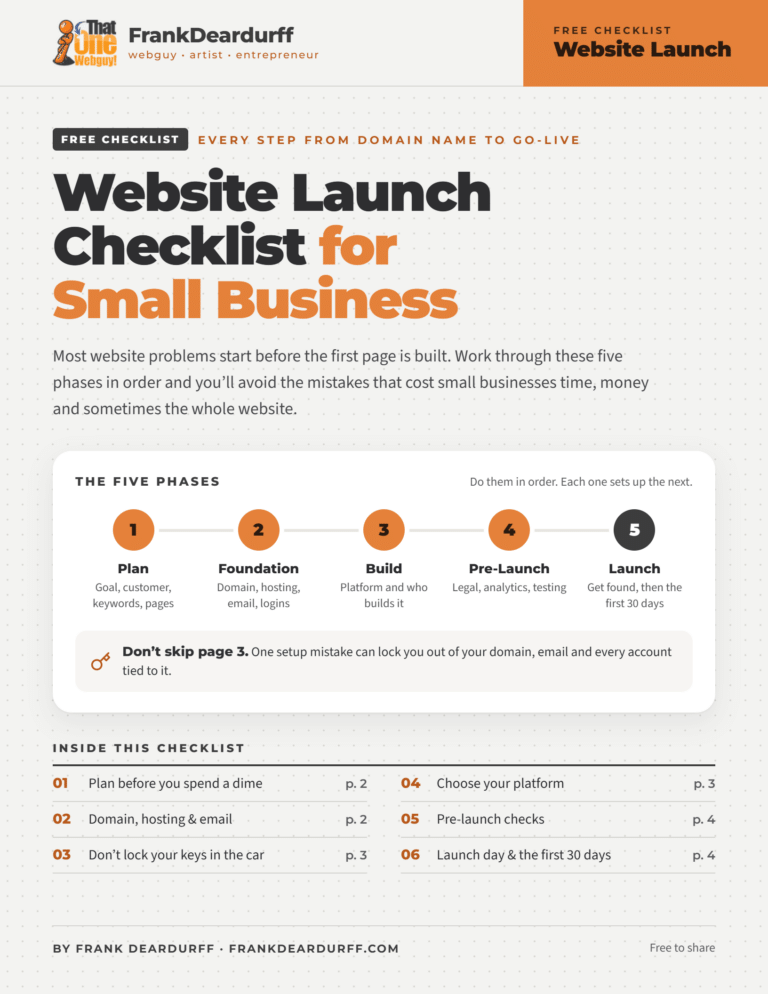
Free Google Business Profile Playbook: Get Your Business on the Map
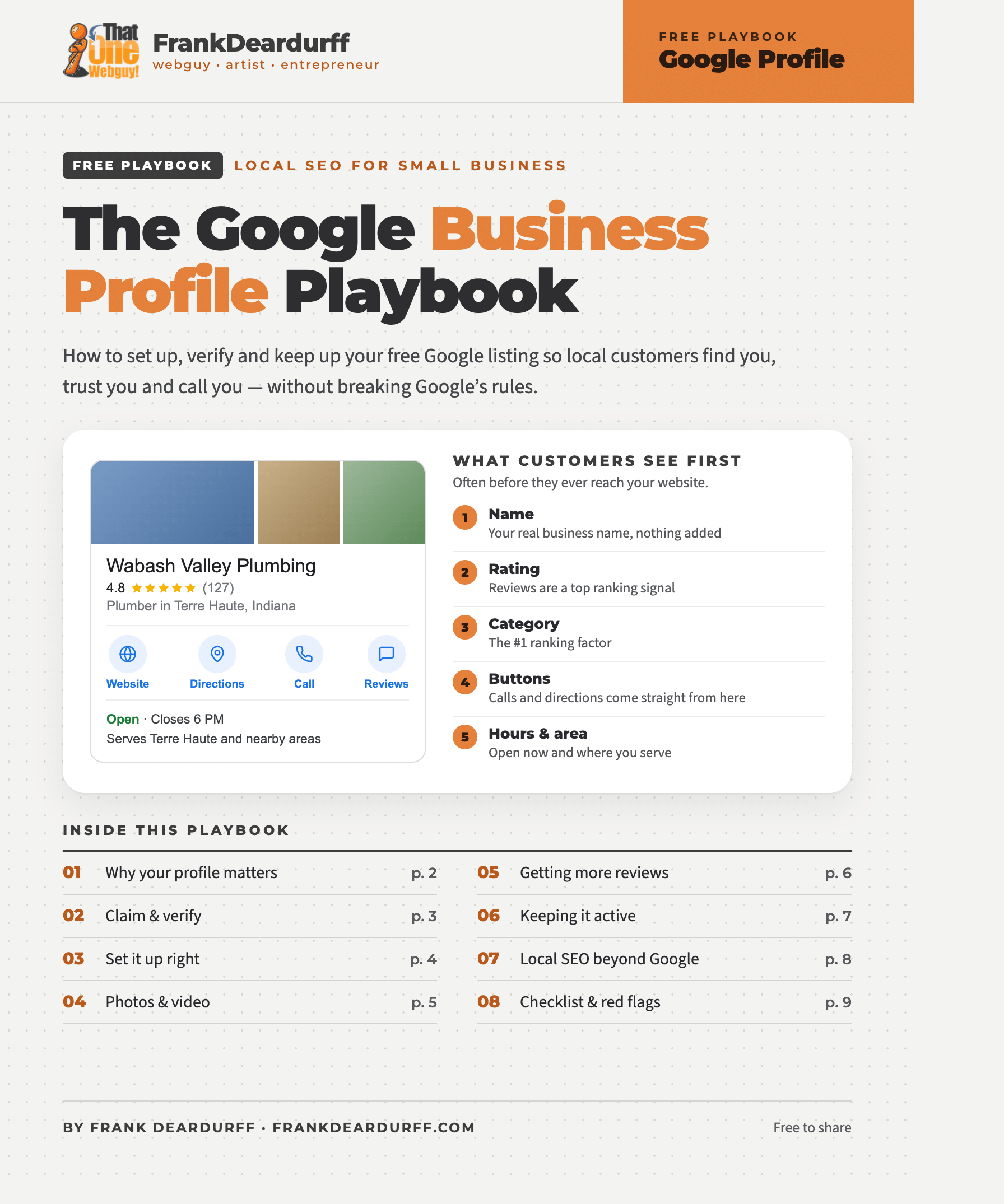
When someone searches “plumber near me” or “pizza near me,” Google shows three businesses on a map before any websites. For most local businesses, that free Google Business Profile (you may still know it as Google My Business) brings in more calls than the website does. It’s also one of the easiest things to get wrong, and some mistakes get profiles suspended. So I put together a free playbook that walks you through it step by step.
What’s inside
- Why it matters: the map pack, and the ranking factors local SEO pros say count most
- Claim and verify: including exactly what to film for video verification
- Set it up right: names, categories, service areas and the 750-character description
- Photos, reviews and posts: specs, a shot list, review scripts and a monthly routine
- Checklists: one-time setup, every month, and the red flags that get profiles suspended
Three things to check today
- Your business name. It should match your sign and paperwork exactly. “Smith Plumbing – Best Plumber Terre Haute” breaks Google’s rules and is the most common reason profiles get suspended.
- Your address. If customers don’t come to you, hide your address and list the towns you serve instead. Working from home is fine; P.O. boxes and virtual offices are not.
- Your review link. Search your business on Google, click Read reviews, then Get more reviews. Copy that link and send it to every customer, not just the happy ones.
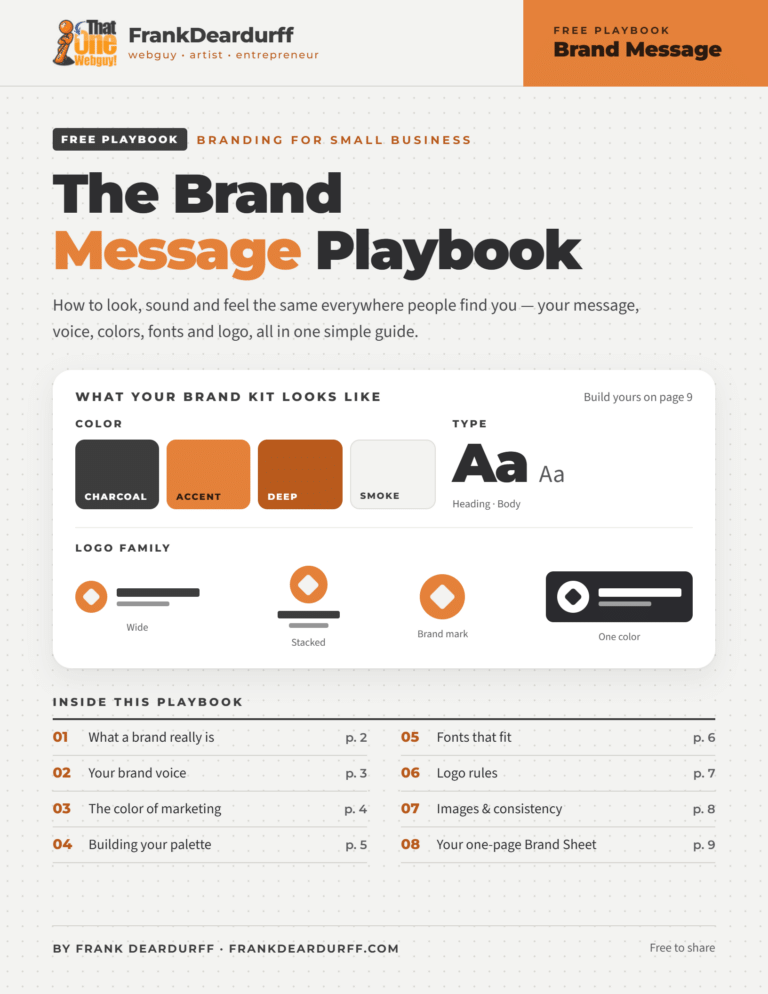
It’s part of my free playbook library, alongside the Brand Message Playbook and the Social Media Size Cheat Sheet. Need photos sized for your profile? Use the free Image Utility Drawer. And if you’d rather have it done for you, Get A Local Website sets up and manages Google Business Profiles for local businesses.