
Resources · Hosting, Security & Backups
Hosting, Security & Backups
Choose solid hosting, lock your site down, and make sure you can recover fast if something goes wrong.
Start here
The security & backup essentials
The basics that stop most attacks and make recovery painless.
1. Have off-site backups
Daily automatic backups stored somewhere other than your server. A backup on the same server isn’t a backup.
2. Test a restore
A backup you’ve never restored is a guess. Try a test restore at least once so you know it works.
3. Use SSL everywhere
Your site should load on https:// with no warnings. Most good hosts include free certificates.
4. Choose hosting that fits
Cheap shared hosting is fine for a brochure site; stores and busy sites need managed WordPress hosting or a VPS.
5. Turn on two-factor login
For WordPress, your hosting panel, your domain registrar and your email. It blocks the vast majority of account takeovers.
6. Add a firewall layer
A web application firewall (at the host, through Cloudflare, or a security plugin) filters out junk traffic before it reaches your site.
7. Watch for changes
File-integrity checks and uptime monitoring tell you about problems before your customers do.
8. Keep your domain safe
Turn on auto-renew and registrar lock, and make sure the account email is one you actually check.
Guides
In-depth walkthroughs, with more being added. Join the list on the homepage to hear when new ones go live.
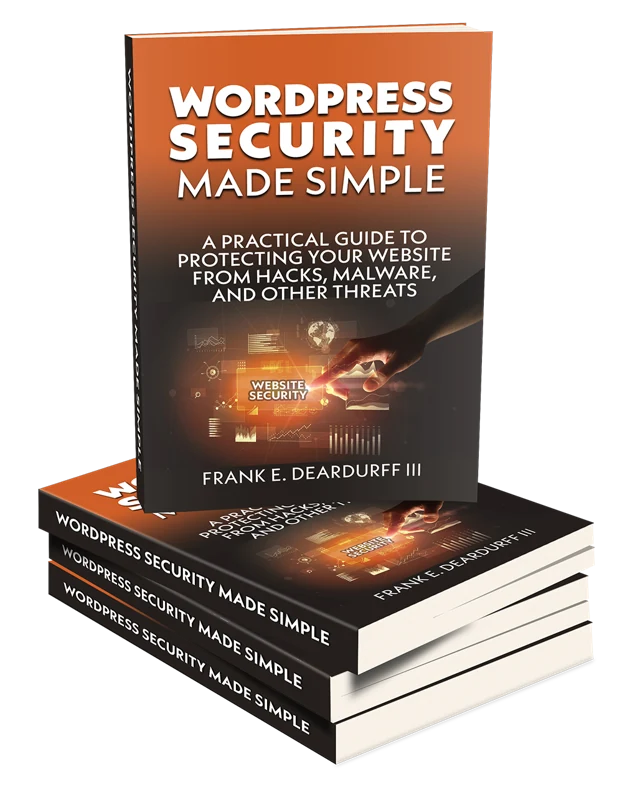
From the book shelf
WordPress Security Made Simple
The No-Nonsense Guide to Protecting Your WordPress Site
Everything on this page and a lot more, laid out step by step in plain English. If you want to lock down your WordPress site without needing to be a security expert, this is where to start.
Want my tool picks?
The specific products I use and recommend, with honest notes on why.
Rather hand it off?
If you’d rather have it done for you, that’s what I do every day for clients.